


- Deodexed
- Zipalign
- Rooted
- BusyBox
- Bash Shell Support
- Full Support for Init.d scripts
- Superuser Access
- 15 Toggle Notification Drawer
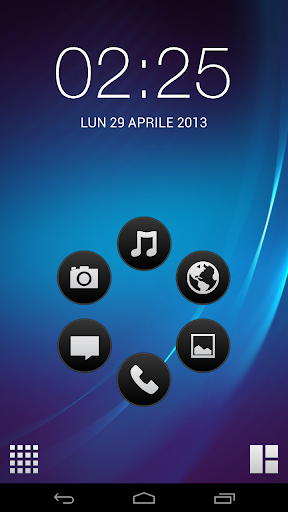
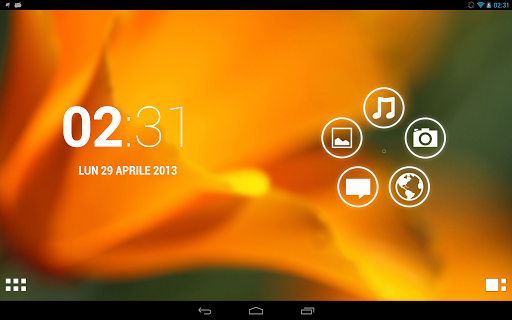
- 6 Lockscreens from Gingerbread AOSP/S2 with custom app starter and gesture unlock
- Status bar Tweaks + battery bar
- 4-way Reboot Options
- Expanded Power Menu
- Rock Solid And stable
- Smooth scrolling through disabled scrolling cache .
- EXT4 File System Support
- Swap Support
- Ad-blocking host file
- Fly-on modv1.8 tweaks (thanks to slaid480 )
- Slow Media Scanning fixed
- Quick pic due to lag n gallery 3d
- Original s3 sounds (ringtones etc)
- Ubuntu fonts(default)
- Lots of build prop tweaks ..
- New and better window & Transition animations
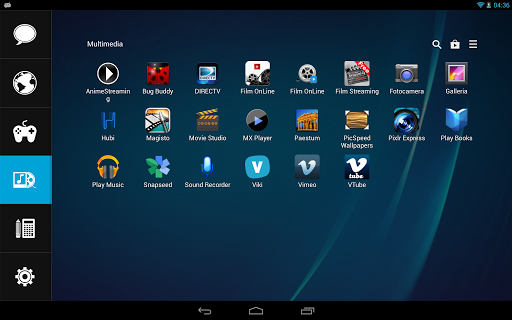
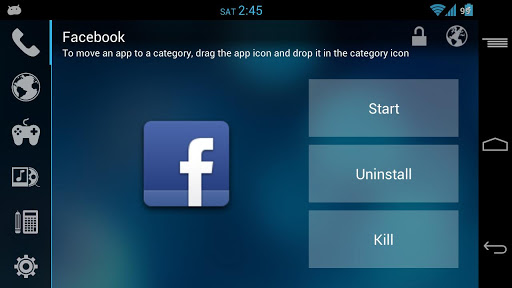
SCREENSHOTS


HOW To Flash It :
1. Flash ANY stock ROM through odin . 2. Rootur phone after flasing stock rom
3. Turn the phone completely off, When the phone is off press and
hold VOLUME UP+CENTER KEY+POWERfor 5-10 secs
4. Now go to CWN MODE.
5. Do wipe data and cache
6. Mount system
7. Go to “Install zip from SD"
8. From there “Choose zip from SDcard”
9. Navigate through the folder where you have saved Remix v2.5.zip
10. Choose Remix Plus v2.5.zip
11. Now you are in aroma installer where touch is enabled. After accepting
4. Now go to CWN MODE.
5. Do wipe data and cache
6. Mount system
7. Go to “Install zip from SD"
8. From there “Choose zip from SDcard”
9. Navigate through the folder where you have saved Remix v2.5.zip
10. Choose Remix Plus v2.5.zip
11. Now you are in aroma installer where touch is enabled. After accepting
the agreement u will get some flashing options.
12. Flash Remix rom or Kernel first. Its ur wish . if u on stock kernel jst flash remix
12. Flash Remix rom or Kernel first. Its ur wish . if u on stock kernel jst flash remix
kernel if not then first stock kernel inside remix kernel.
13. after flashing rom or kernel U can reboot ur device bt if u r lazy then don’t tick
13. after flashing rom or kernel U can reboot ur device bt if u r lazy then don’t tick
on rebbot after insallation.
14. use back botton nw go to advance option and select rebbot recovery.
15. now mount ur system again go to to remix Remix Plus v2.5.zip again. Nw choose rom
14. use back botton nw go to advance option and select rebbot recovery.
15. now mount ur system again go to to remix Remix Plus v2.5.zip again. Nw choose rom
or kernel(means if u select rom first time then install kernel or if u select kernel
first time then install rom) and select reboot after istallalation.
- Jellybean Sounds DOWNLOAD
This is new Update for Remix s3 Version now its Remix Plus v2.8
SCREENSHOTS


Update Remix Plus V2.8 Re-Packed
Remix Plus v2.8 update Re-Packed with marcussmith2626 alternative Transparent status bar
Installation :
1. go back to 2.5 (either by nandriod backup or reflash rom)2. Test your wifi
3. Reflash kernel if wifi doesn't work
4. if wifi is working flash one of the zips below
5. as always flash in cwm with system mounted




.jpg)